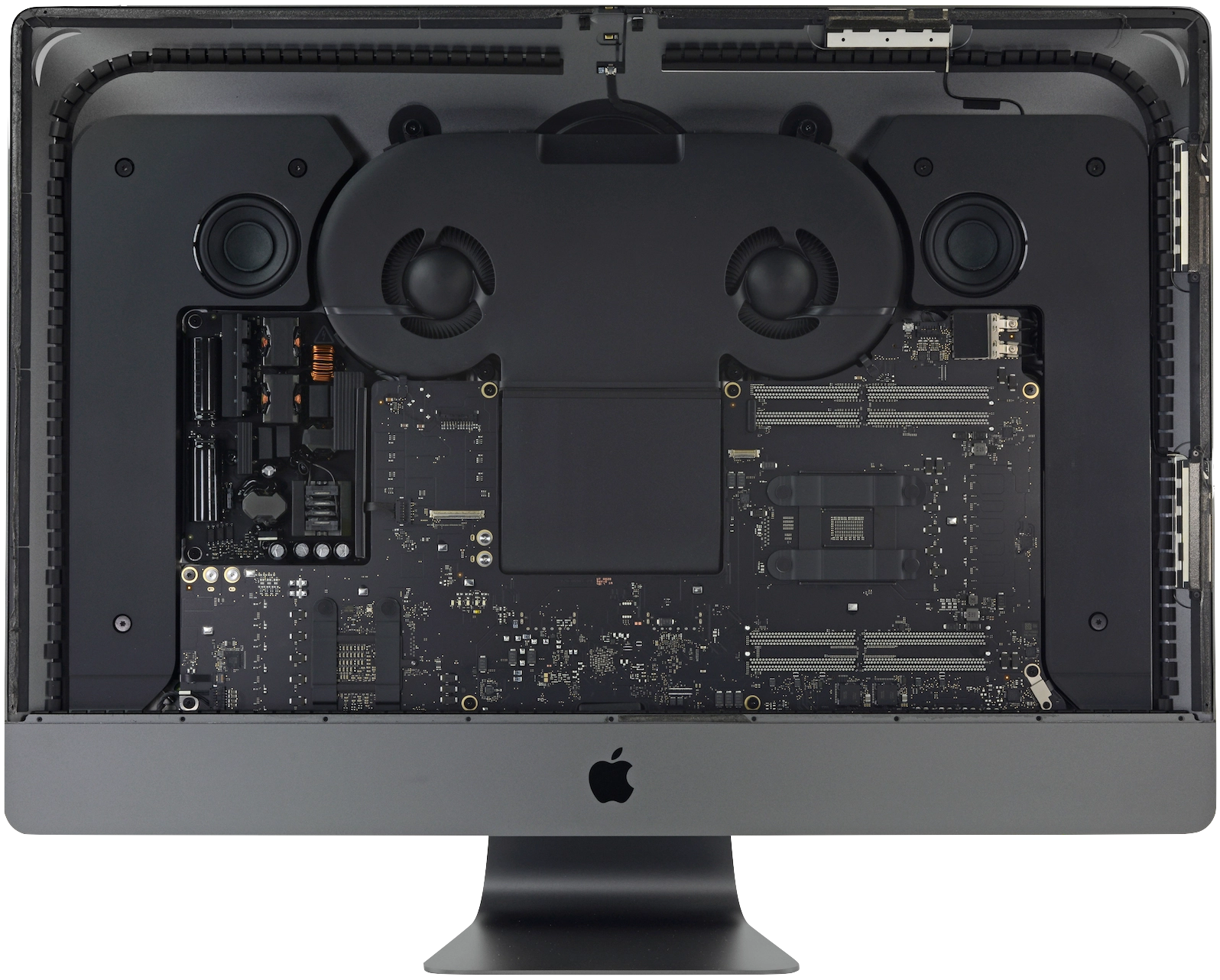
iMac Pro first impressions
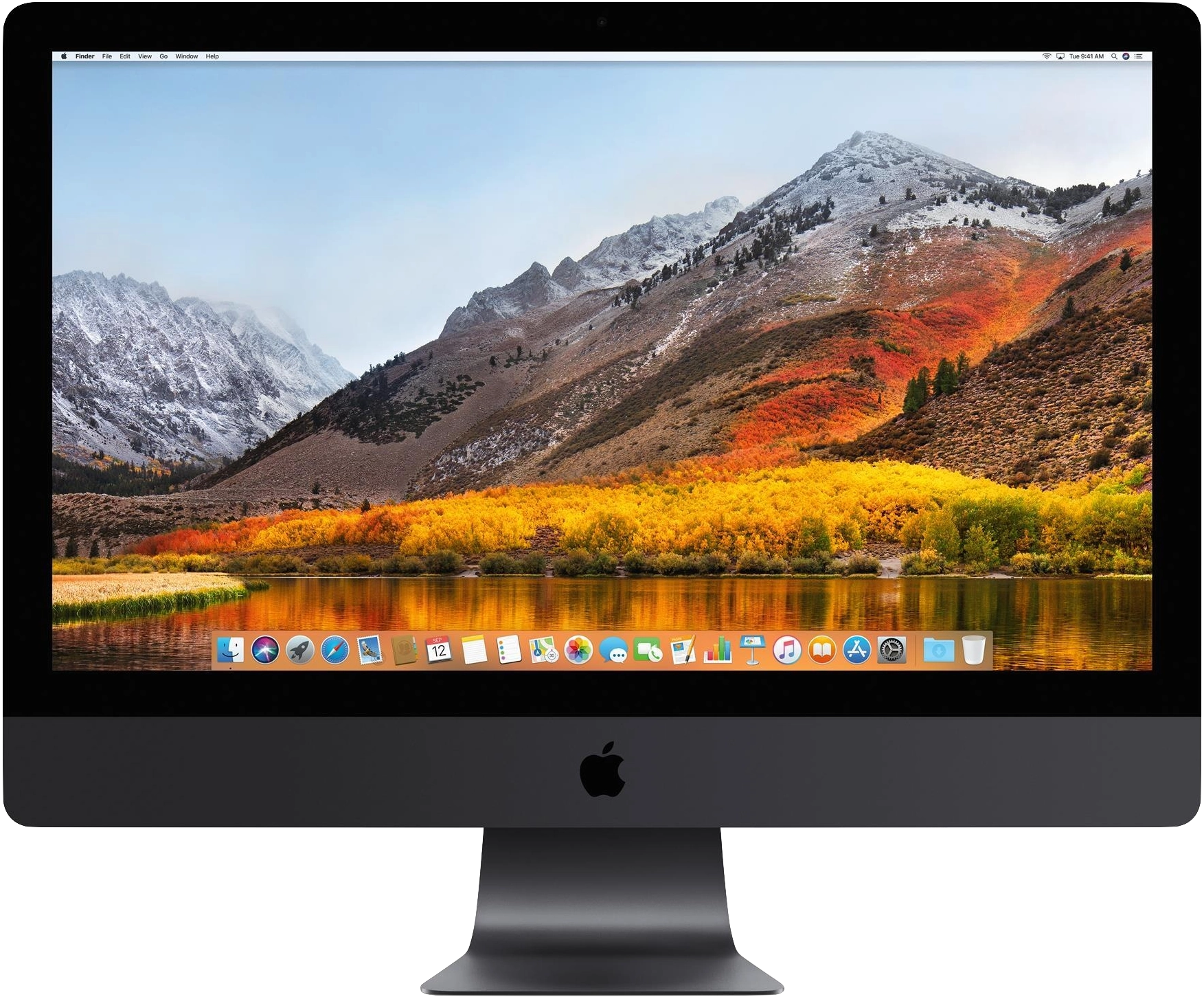
10-core w/ Vega64. Upgrading from a 2014 Retina iMac. Relatively briefly, and in no particular order:
ProPhoto RGB vs JPEGs
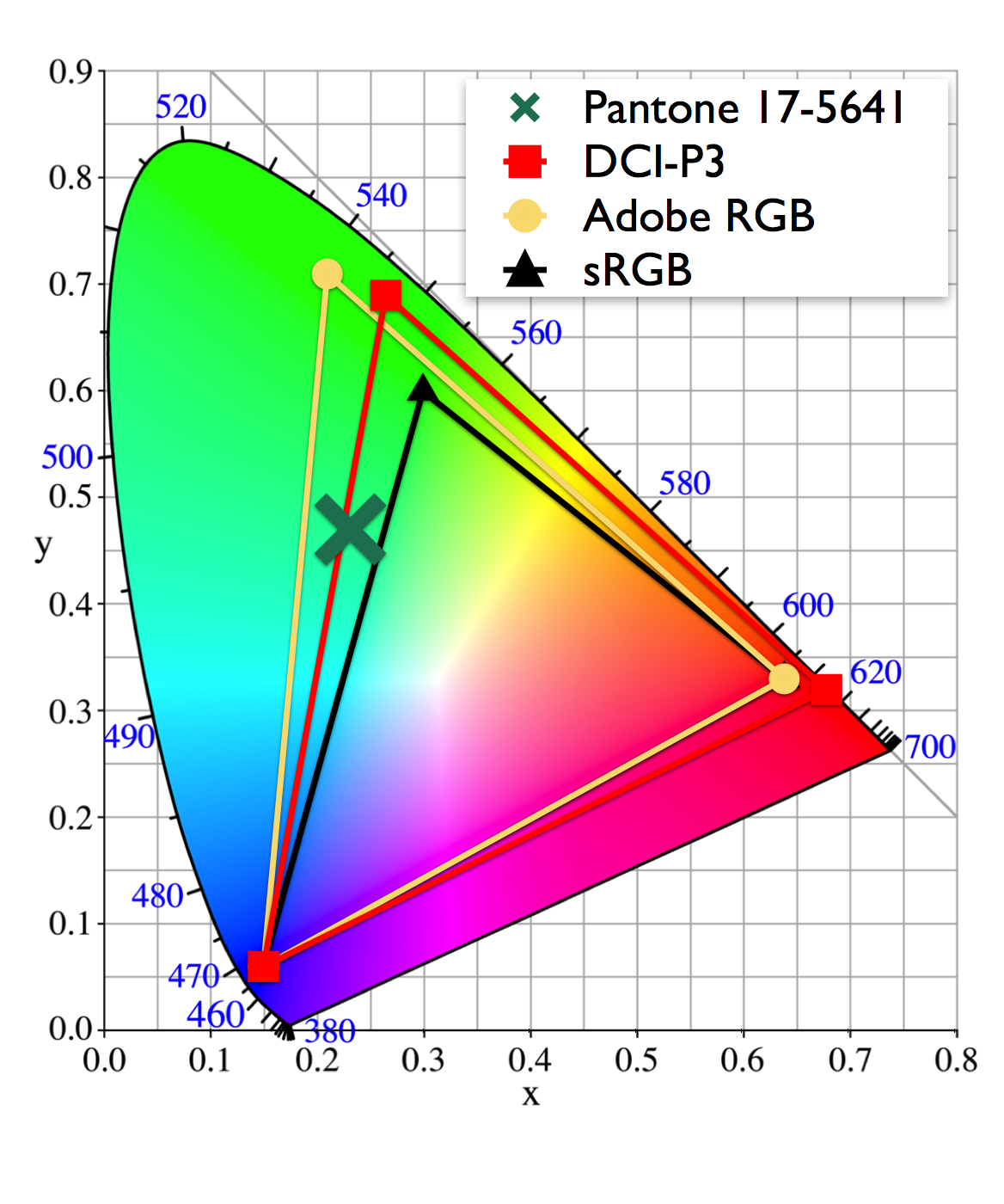
Most common photo editors – e.g. Lightroom – let you choose the colour gamut to use for exported photos. In Lightroom (at time of writing in January 2018) you have a fairly short list, of today’s common options – sRGB, Display P3, Adobe RGB, and ProPhoto RGB. Since we’re all obsessive nerds, that we’re given… Read more
iMac Pro benchmarks & performance evaluations
Bare Feats – What If You Had A TITAN Xp Attached To Your iMac Pro? (Vega64) Bare Feats – Rise of Tomb Raider: iMac Pro versus Mac Pro (8-core, Vega64) Bare Feats – iMac Pros versus Mac Pros running X-Plane 11 Flight Simulator (8-core, 10-core, Vega64) Bare Feats – 8-core versus 10-core iMac Pro: The Final Conflict (8-core, 10-core)… Read more
Handbrake’s H.265 ‘Preset’ setting affects ‘constant’ quality
I always consternate over what the ‘Preset’ setting should be when doing H.264 encodes with Handbrake. It’s always tempting to slide right on over to ‘placebo’ to, in theory, ensure you’ve got the best possible encoding. And in my experience that at least roughly works – file size decreases (marginally) as you use more time-consuming… Read more
Lightroom “Classic” doesn’t play well with others
So far the new “Classic” Lightroom looks & feels mostly identical to the prior version(s), which isn’t really a compliment, but could be worse. There’s no apparent performance improvements, that’s for sure, so as expected Adobe’s promises to suddenly learn how to write efficient & performant software, well… at least their marketing department gave it… Read more
Scoring my D400 wishlist
I just stumbled across my D400 wishlist. I’d clear forgotten I’d ever written that. Now that the “D400” – a la the D500 – has in fact been released, let’s see how many wishes came true: ≥ 50 image buffer. In 14-bit RAW. 😂 Nailed it. The D500 never misses a shutter actuation. It’s beautiful.… Read more